The flagship idea
Bring the AI to You: One Home, Many Minds
Fred brings your tools, memory, and working context together on your computer. It is a harness for the AI you choose: connect your own supported model access and let those models work with the context and permissions you keep in Fred. Your provider continues to bill separately for model access and usage.
The problem nobody named
Keep your working context together
When you work across different AI applications, you may need to move context between them. Fred keeps its own memory, files, and working history on your machine, available to the models you connect through your provider accounts.
The inversion
Your context stays home. The models commute.
Fred is a harness that lives on your own computer. Its memory of you, your files, and your working history accumulate there — on your disk, model-agnostic, owned. The intelligence is bring-your-own-key: Anthropic, OpenAI, Google, DeepSeek, Moonshot, OpenRouter, or a local model via Ollama. Which means the models become what they should have been all along: interchangeable staff, working from your one filing cabinet — instead of landlords, each keeping a separate file on you.
- A preferred model for a preferred task. One for writing, another for code, another for research, a free local one for routine or extra-private work — a dashboard control, not a migration.
- No re-introductions, ever. Switch the thinking; the knowing stays. Fred still remembers the suppliers, the tone you like, what "the spring job" means.
- Continuity across model choices. Change your model configuration while keeping Fred’s local memory and context. Provider access and billing remain separate.
Seen from above
Two architectures, one decade
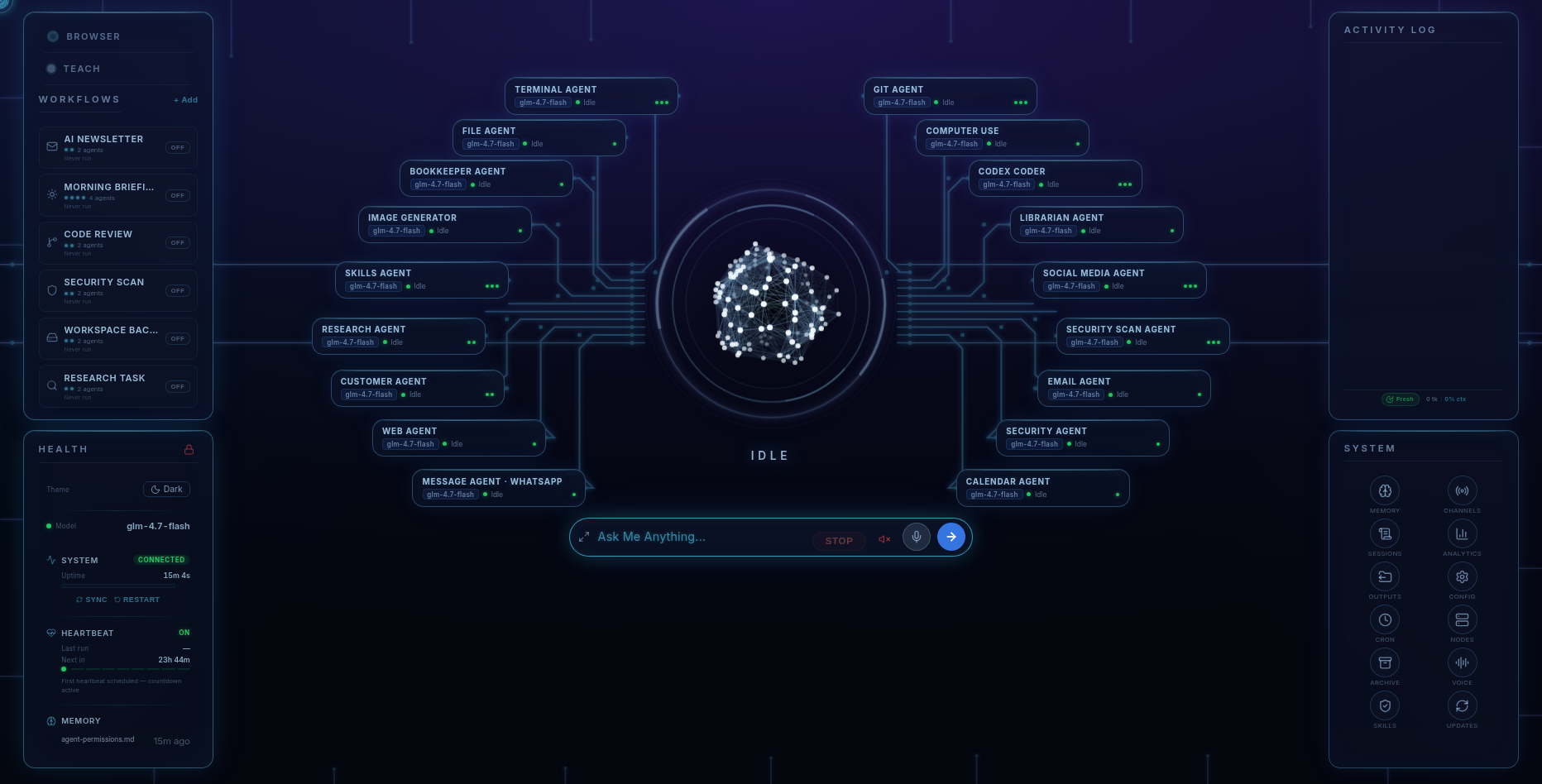
One place for your working context, with your choice of supported models. Fred supplies the harness and tools; your model providers supply the intelligence under their own access and billing terms.
The honest part
What the inversion doesn't change
- Your provider bills for model access and usage on your own account. Fred’s dashboard shows the usage it tracks. A local model through Ollama runs on hardware you provide.
- Conversations still travel to whichever cloud model is thinking, on your key, under that provider's policy. What stays home no matter what: your files, Fred's memory, your credentials.
- Memory is good, not flawless. Fred is built on the open-source OpenClaw platform; recall of earlier conversations can occasionally be imperfect. We say so before you buy.
Pricing
Own the home. Rent the minds by the minute.
Fred’s software licence is $99. It includes the dashboard, agents, workflows, Android app, and owner’s guide. Connect your own model access; your provider bills separately for access and usage. One machine is licensed at a time, with a 14-day refund window.
Software licence: $99 once · Model-provider charges separate · 14-day refund window
FAQ
Questions people ask
Can I really use different models for different tasks?
Yes — that's a dashboard control, not a migration. Fred works with Anthropic (Claude), OpenAI, Google Gemini, DeepSeek, Moonshot, OpenRouter and local models via Ollama, and you can change which model does the thinking at any time. Prefer one for writing and another for code? Point each at its job.
Do I lose the memory and context when I switch models?
No — that's the whole point. Fred's memory and your files live on your machine, belonging to the assistant, not to any model. Switch providers and Fred still knows your projects, your people, and your preferences. No re-introductions.
How does Fred work alongside other AI applications?
Fred keeps its own context and coordinates work through your supported model access. Any other AI applications or subscriptions you use remain separate products with their own terms and charges.
Can I mix cloud models with a local one?
Yes. A common shape: a frontier cloud model on your key for the hard work, and a free local model via Ollama for routine or extra-private tasks — same Fred, same memory, both directions.
What does the switching cost?
Changing a model in Fred changes which provider or local model handles the request. You need the appropriate access for that model, and the provider’s charges and terms apply.
Before you go
Not ready to spend $99? Take the honest guide instead.
The Straight-Answers Guide to Owning Your Own AI — every hard question on these pages, answered without the sales voice. Free, by email.
Software licence: $99 once · Model-provider charges separate · 14-day refund window
Keep reading